Showing posts with label FVDI2 Commander. Show all posts

Thursday, December 7, 2017

Best Porsche Diagnostic Tool, FVDI2 ABRITES Commander

If you still in a dilemma about investing in the best diagnostic tool for your precious Porsche vehicles, then this article will help you.
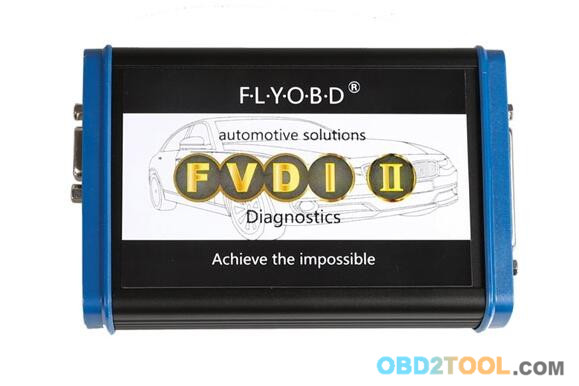
Here, What we recommend is V4.1 Porsche FVDI2 ABRITES Commander
10-1
ABRITES Commander for Porsche is professional software for diagnostic of Porsche vehicles. It is capable to perform a diagnostic of any unit. It provides some unique functions, which are not supported by any other diagnostic tool.
What’s FVDI2 Commander Supported Porsche vehicles?
Carrera GT
Carrera GT2 (996)
Carrera GT3 (996)
Boxster (986)
Boxster S (986)
Boxster (997)
Cayman (987)
Cayenne (955)
911 (997)
911 Turbo (996)
911 Turbo (997)
911 Carrera 4 (996)
Boxster 991 (2012+)
911 991 (2012+)
Cayenne 958 (2011+)
Panamera 970 (2010+)
So, what’s this Porsche diagnostic tool Standard diagnostic functions?
For all electronic control units reading identification data
Read and clear all electronic control unitserror (DTCs)
Read live data For 911 997, Boxster 987, Cayman, Cayenne electronic control units
For 911 997, Boxster 987, Cayman, Cayenne electronic units read/write coding
Broadcast – for the chosen model – scan all units and clear all DTCs
And what about the Special functions and its supported models?
    Engine Control Unit
– ME7.x, ME7.5, ME7.8- Read/Write EEprom, Flash, Read Component Security bytes, Read Sec.access code, ECU Data
– ME5.2, ME7.2 – Read EEprom
– ME 7.8 – Porsche 9×7, 9×6 -Read EEprom
    Instrument Cluster K-Line
– Porsche Cayenne – Read/Write EEprom, Read/Change odometer
– Porsche 911, Boxter, GT2, GT3 (9×6) with 93c56 – 1998 – 07/2001 year – Read/Write eeprom, Read/Change odometer
– Porsche 911, Boxter, GT2, GT3 (9×6) with 93c86 – 08/2001 – 2005 year – Read/Write eeprom, Read/Change odometer
    Instrument Cluster CAN
– Porsche Cayenne – Read/Write EEprom, Read/Change odometer
– Porsche 9×7 – Mileage recalibration, Read/Write EEPROM, Reset service interval, Total distance, Oil level measurement
    Dump Tool
– IMMO – Kessy – Porsche Cayenne [93c86] – shows Sec.access code, Keys data, VIN, Immo number
– ECU ME7.x Reset Component protection data
– ECU ME7.x Security code / Checksum calculator
– Change Odometer ECU ME9 [95320] – Porsche 997
– Change Odometer 95P08 – Porsche 996
– Change Odometer 95P08 – Porsche 997
Finally, check its Advanced functions:
Calculate teaching code from Alarm system
– Porsche (9×6)
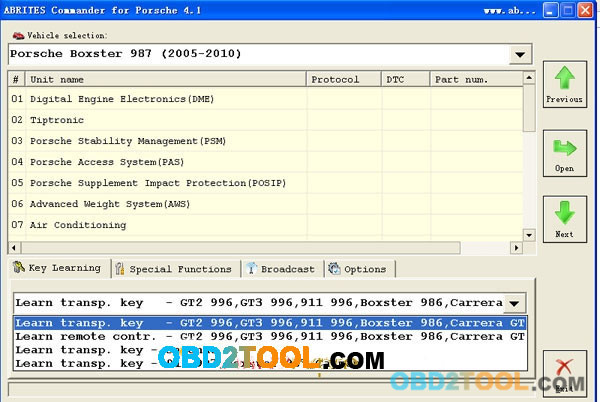
    Key Learning
– Learn transponder/key – GT2 996, GT3 996, 911 996, Boxster 996, Carrera GT
– Learn remote control – GT2 996, GT3 996, 911 996, Boxster 996, Carrera GT
– Learn transponder/key – Cayenne
– Learn transponder/key – 911 997, Bosxter 997, Cayman
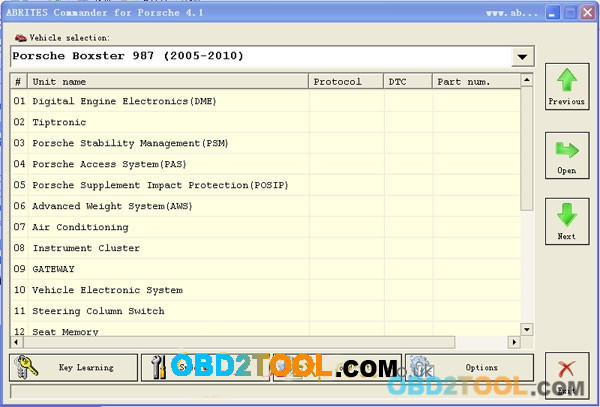
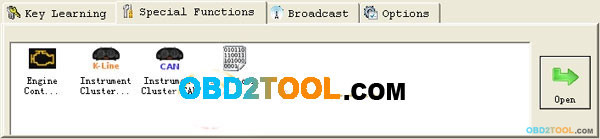
FVDI2 Commander Porsche software display:
10-2 10-3 10-4
What you will get in the package and where to buy the cheapest one?
http://www.obd2tool.com/category-184-b0-AVDI+ABRITES+Commander.html
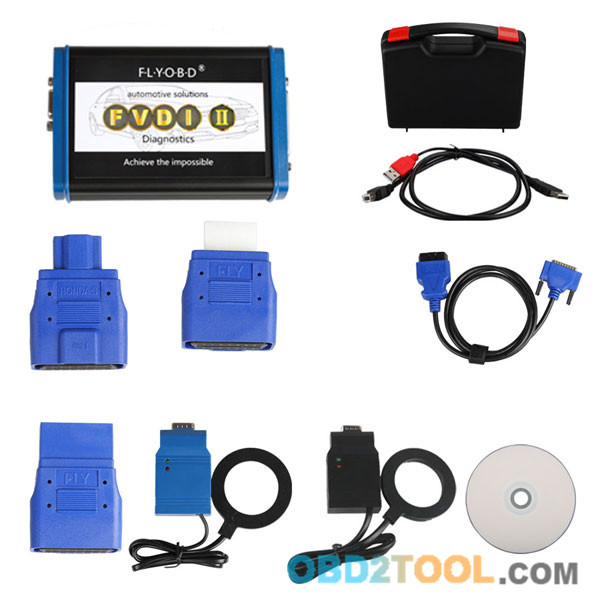
Package including:
1pc x FVDI Porsche main unit
1pc x USB Cable
1pc x USB Dongle
1pc x OBD2 Cable
1pc x CD software
1pc x Carrying case
10-5

How to Program Maserati Quattroporte 2004 All Keys Lost

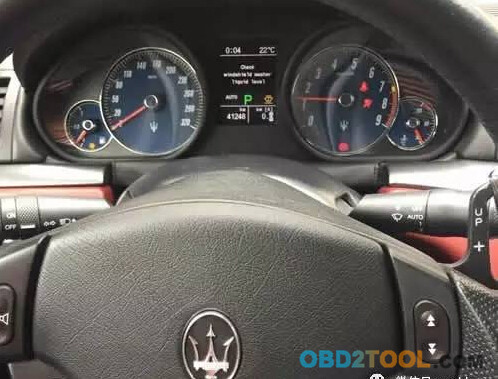
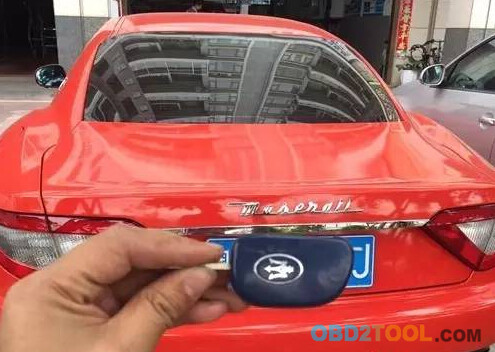
A Maserati Quattroporte 2004 owner has lost all keys, straight remote key. Here is the locksmith solution on how to program a new key.
First try some OBD2 key programmers, SKP900, OBDSTAR X300, all failed. You have to remove BDM to write key.
9-1
Main steps:
1.Remove BDM
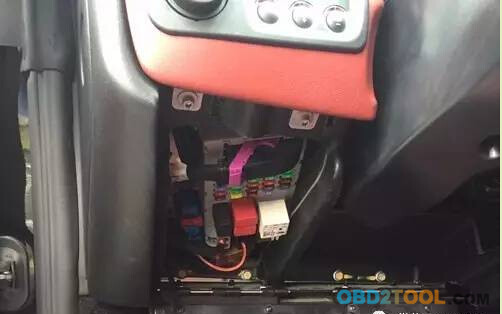
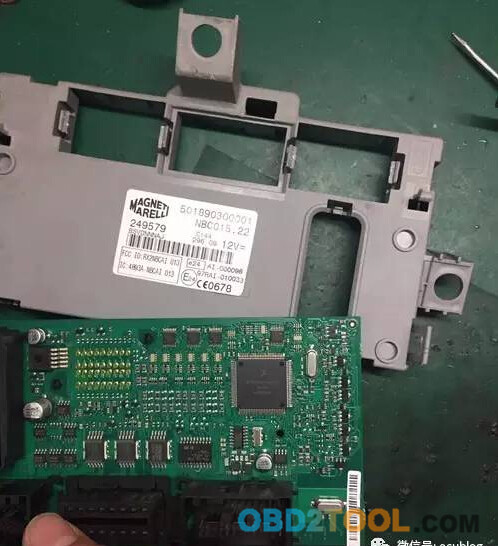
Quattroporte BDM is located under the dashboard. Open the shell, find out and locate CPU.
9-2
Xprog-M box higher version and VVDI Prog do have this cpu listed, but don’t have connection pinout. Spent a long time to analyse the CPU External alignment and finally connected it. It requires technical skills as well.
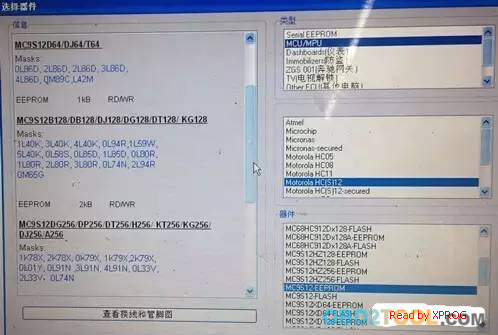
Read MC9S12 MCU eeprom via Xprog
Read eeprom data and save it.
9-3 9-4
2 Write key.
Key Programmer options: TM100,FLY FVDI2 or OBD Terminator
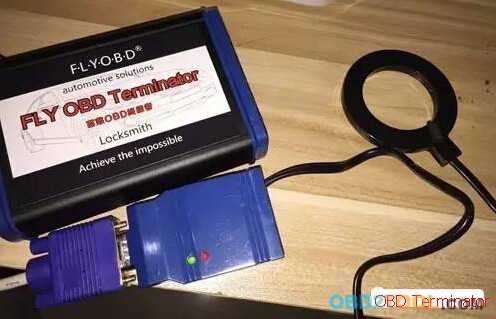
Example by using FLY OBD Terminator
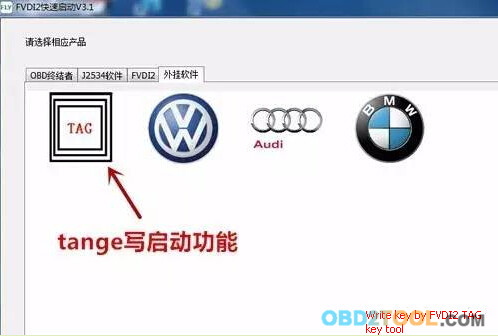
Open Tag key tool to write key
9-5
TAG key tool has similar menu as VVDI2
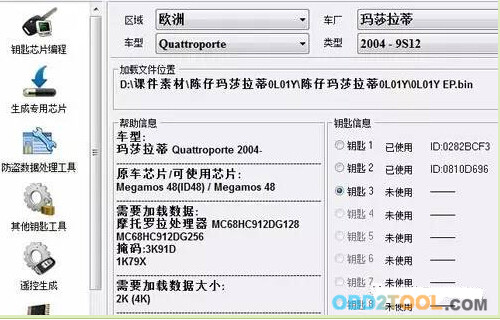
Select region Europe, Quattroporte,Quattroporte,2004-9S12
Upload eeprom
TAG software will display original key data
select a unused key position
9-6
place an ID48 into coil to write key
9-7
It will generate new key data.
Re-write the new key data back to CPU.
Reinstall BDM and start key with the new chip key.
9-8
9-9
If you need to program remote ,you can enter Fiat system and follow screen prompts to program.

Program BMW CAS3+ via FVDI Abrites Commander

Here’s FVDI (which now updated to 2nd generation FVDI 2) with CAS 3+ in action.
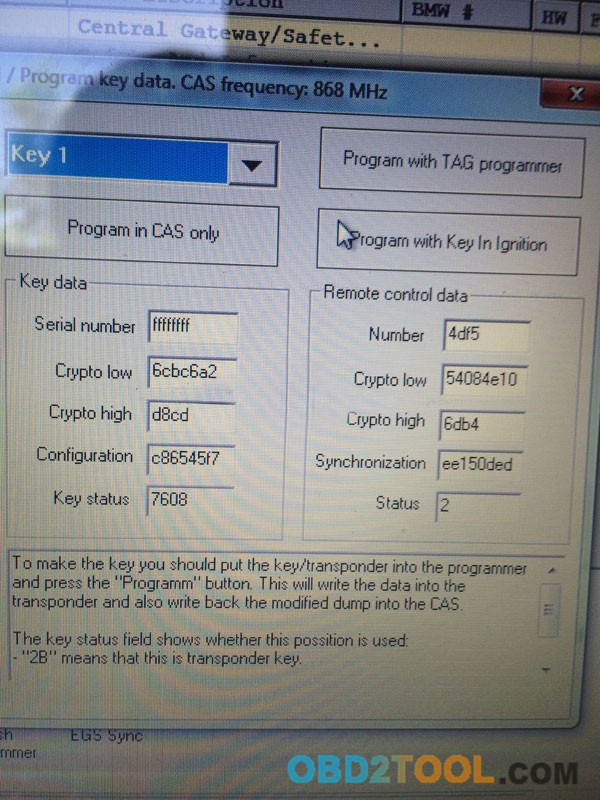
When you go in CAS Keys special function, we will get a new window with decrypted raw data of registered keys on CAS (Car Access System)
7-1
As we can see on picture, after reading CAS Keys data, we can easily make new key by OBD.
Either by TAG key tool (antenna) or directly in Ignition Switch, its just a matter of 3 mouse clicks.
Any existing key on that position (for example, we choosed Key 1) will be overwritten by the new key.
To know which position is occupied, we must look at Serial Number and Key status. If Serial Number is ffffffff and Key Status is 7608 means that position is Free and no key registered.
But instead, if Serial Number contains data and Key Status shows 2B00 or 4B00, means there is already a key registered on that position.
2B00 = Transponder key
4B00 = Remote key
7608 = No key
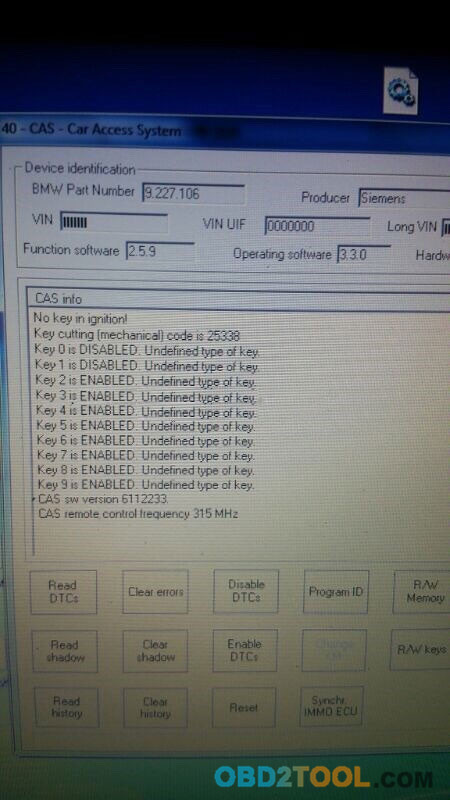
FVDI ABRITES Commander for BMW CAS Info screen tells you about key in ignition, and gives you information such as if a key is enabled or disabled.
7-2
http://www.obd2tool.com/goods-5183-FVDI+2+FULL+Version+equal+FVDI+V2016+FULL+Version++FLY+OBD+Terminator+FULL+Version++J2534+DrewTech+Softwares.htmlFVDI2,FVDI2 Commander,FVDI 2,FVDI2 ABRITES Commander,fvdi2 chrysler,fvdi2 dodge,fvdi2 jeep,FVDI ABRITES Commander,2017 FVDI2 ABRITES Commander,FVDI 2 Commander for VAG,

Make Key for Fiat grande punto 2007, VVDI2 or FVDI?

Intention:
Make key for Fiat grande punto 2007
Prepare job:
Read BCM eeprom 93c86 data with Xhrose VVDI Prog programmer.
First attempt:
VVDI2:
read bcm EEPROM 93c86 with vvdiprog, uploaded to vvdi2? key programmer the file and give me “unknown version”. Read again as microchip and same problem. I think vvdi2 has bugs on this car.
FVDI commander (FVDI2)
Then get FVDI2, go to Fiat program, key maker, select car, uploaded file and give pin and position to make key. Made transponder and programmed key correctly with it. Key worked like a charm.
Hope it helps!

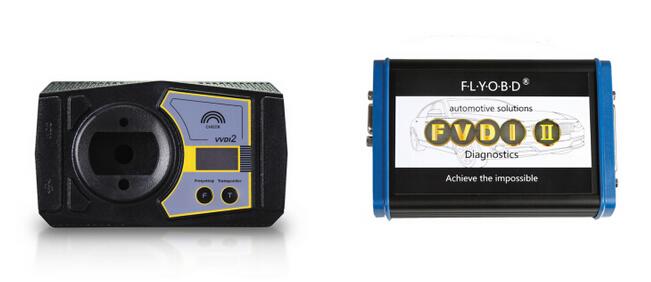
VVDI2 VAG vs. FVDI2 VAG Full Table Comparison

Xhorse VVDI2 or Flyobd FVDI2 (not FVDI 1st generation but 2nd)? I am gonna buy one of these, just don’t know which one would suite me best. I’ll use it for VAG group clusters changing g6/touran/tiguan etc., immo adaptation, making keys, millage correction. Any advice?
5-1
VVDI2 VAG vs FVDI2 VAG:
VVDI2 VAG supports VAG cars: VW, Audi, Seat, Skoda, 4th immobilizer Porsche, 4th immobilizer Bentley.
It works perfect in diagnostic, 4th immobilizer, 5th immobilizer, key learn, BCM remote control, Engine control unit, Kline instrument and immobox, adapt unit, component protection, dump tool etc
FVDI2 VAG supports  VAG cars: VW, Audi, Seat, Skoda VAG-VW, Audi, Seat, Skoda 4th & 5th immobilizer,incl. 4th & 5th immobilizer AUDI A6/Q7, 4th immobilizer Porsche, 4th immobilizer Bentley.
Also, it works good in basic diagnostic, key programming/PIN codes reading, mileage correction, fault codes reading
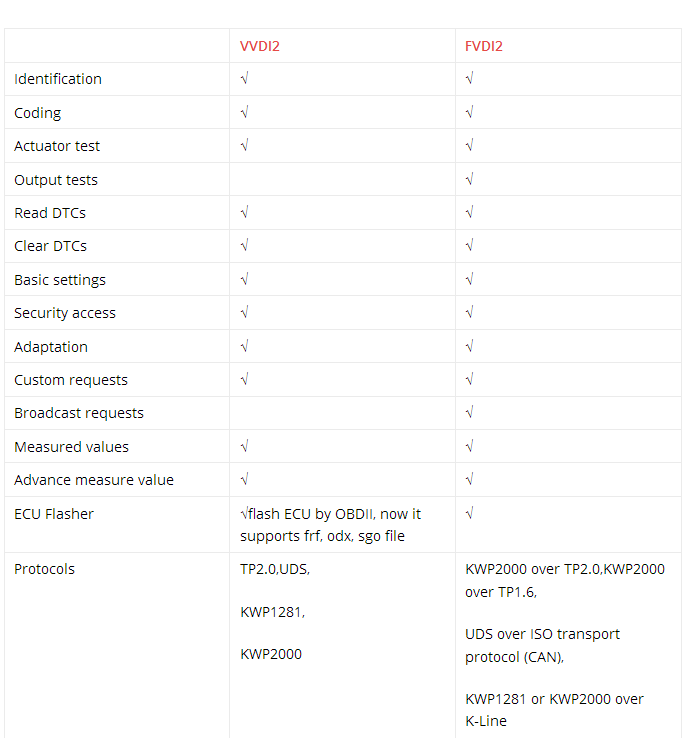
VAG diagnostic:
5-2
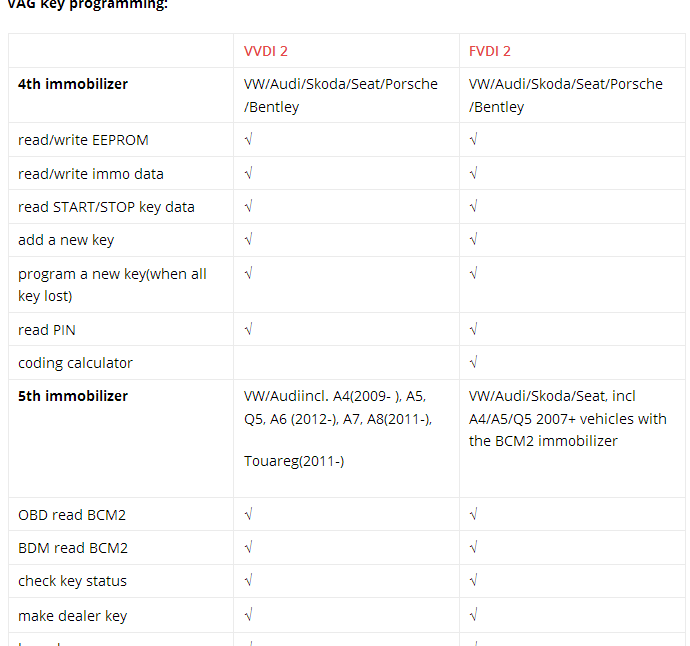
VAG key programming:
5-3
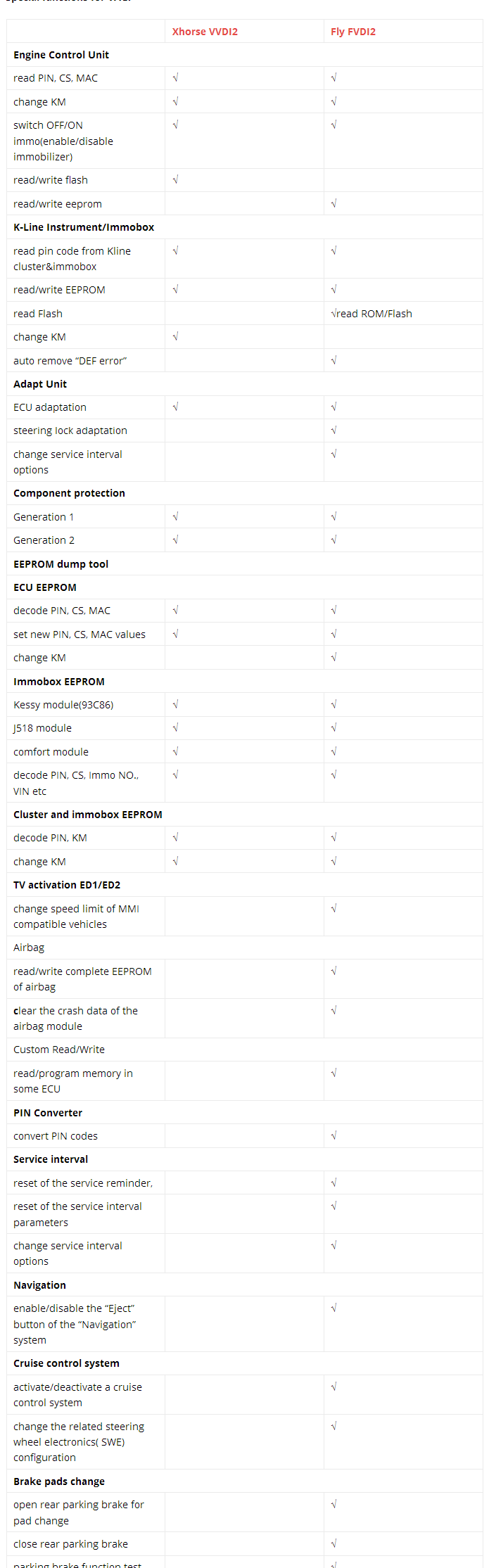
Special functions for VAG:
5-4
From the charts above, FVDI2 FLY and VVDI2 Xhorse almost share the same functions.
They mainly differ in these aspects:
1 OBD read CS/PIN of MED17
2 generate OEM remote control
3 software authorization
FVDI 2 Commander full kit includes software for VAG – VW, Audi, Seat, Skoda; Porsche; Mercedes/Smart/Maybach; OPEL/VAUXHALL; BMW; Peugeot/Citroen; Fiat/Alfa/Lancia; Renault; Toyota/Lexus; Hyundai/KIA; Nissan/Infiniti; TAG Key Tool; Ford; Volvo;Chrysler, Dodge and Jeep; Mitsubishi; DAF; Bikes, Snowmobiles and Water scooters.
VVDI2 full kit includes VK-01 Transponder Programmer, VJ-01 Passthru J2534 and software for VAG – VW, Audi, Seat, Skoda; BMW; PSA (Peugeot/Citroen); Porsche
So, If you looking only for VAG + BMW , then VVDI2 and VVDI Prog is way to go. No need any other tool. In VVDI2 you have also programmer similar to Tango that you can make keys buy dump, but 90% of VAG and BMW can be done by OBD in VVDI2.
VVDI programmer don’t have OBD it’s only for bench programming.
Good for CAS4, FRM, EZS, EWS4 and many more.

How to Install & Use FVDI2 Based Diagnostic software V1.7 for VAG

This blog will guide you on how to install FVDI2 software V1.7 and how to use the software to read DTCs.
Part1: Installation
O.S: Windows XP (SP2 or later) Professional Version, Windows 7 Ultimate and Windows 8 Professional
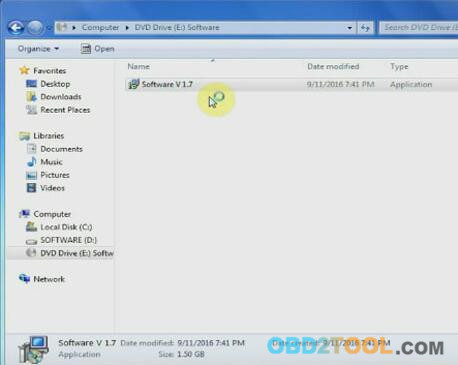
Insert CD and open software V1.7
4-1
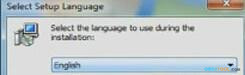
Select language English and click [OK]
4-2
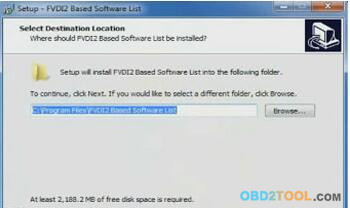
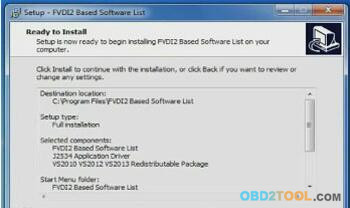
Click Next and Install
4-3
4-4
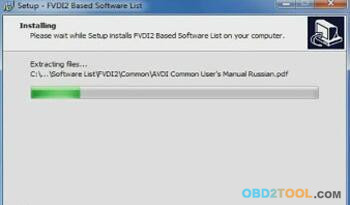
Installing, wait for a while…
4-5
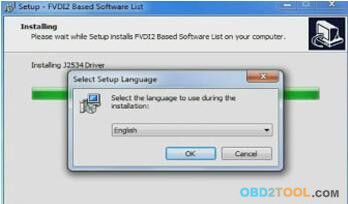
At the end of the installation, it will pop out the interface of selecting setup language, click [OK] to continue
4-6
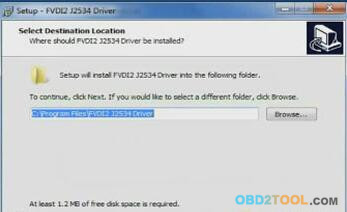
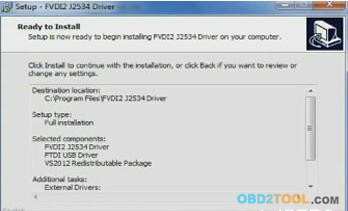
Then setup FVDI2 J2534 Driver, click [Next] and [install] to setup
4-7
4-8
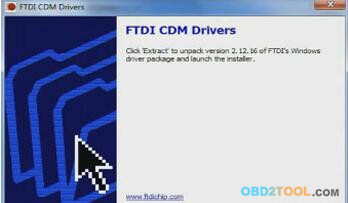
Setup FTDI CDM Driver, click [Extract]
4-9
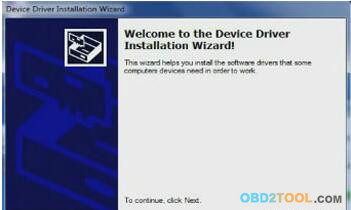
Click [Next]
4-10
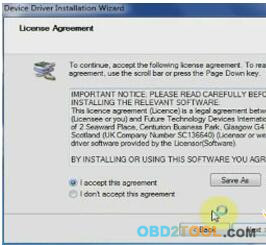
Select [I accept this agreement] and click [Next]
4-11
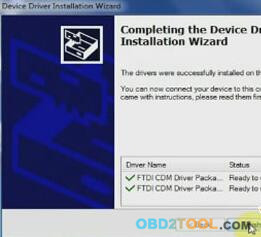
Successfully setup the driver, click on [Finish]
4-12
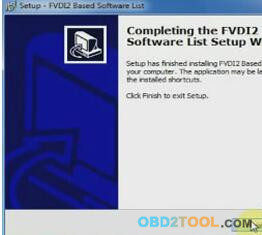
Completing FVDI2 V1.7 software setup, click on [Finish]
4-13
Part2: Diagnosis
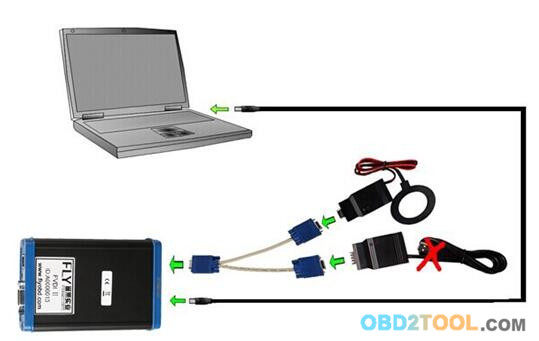
First of all, connect FVDI 2 with laptop. Picture shown as follow:
4-14
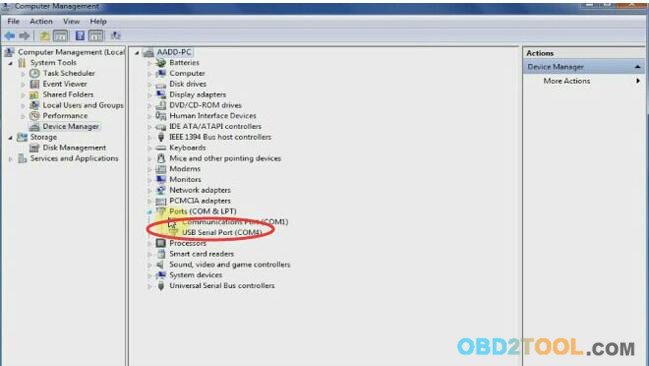
Right click Computer-> Manage->Device Manager->Ports(COMS&LPT)
The USB Serial Port is COM4
4-15
Then open [FVDI2 Based Software] on the desktop
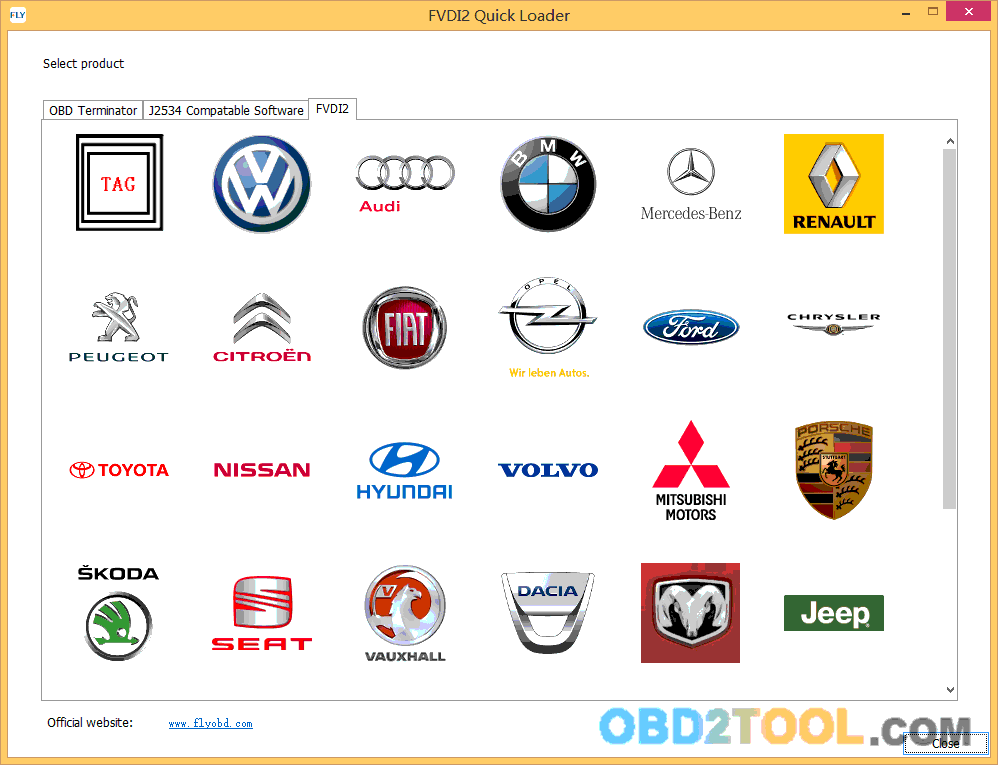
Select [FVDI2] on the top menu, click VW icon and wait…
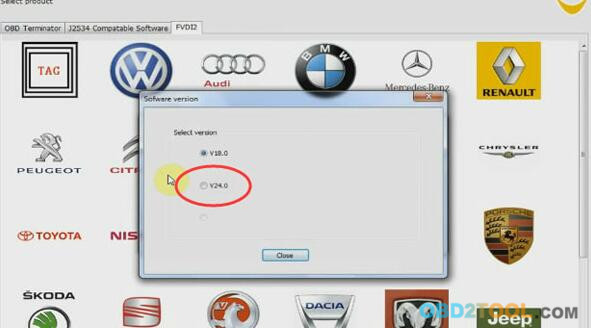
4-16
Select version V24.0 and click on [close]
4-17
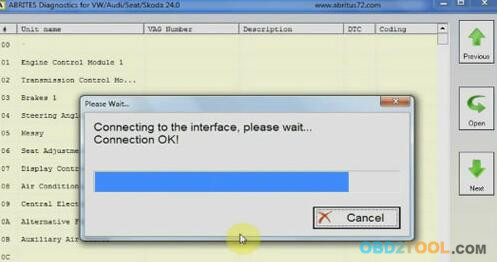
Wait for a while, it is connecting to the interface
4-18
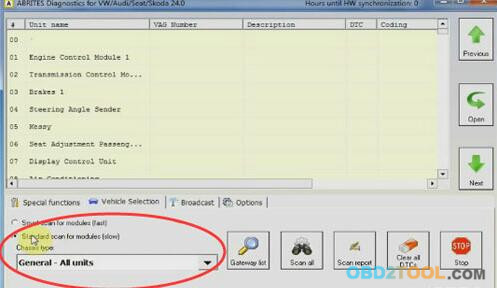
Click on vehicle selection
Select Standard scan for modules and you can choose vehicle types now
4-19
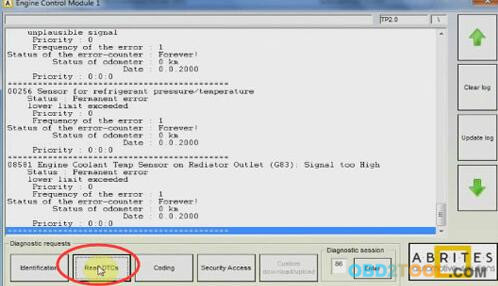
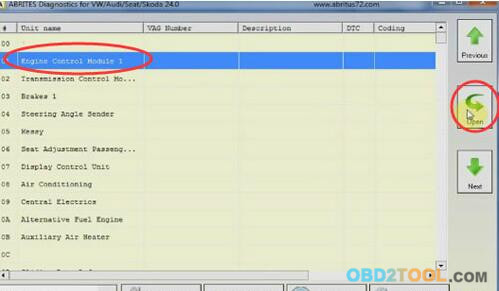
Engine Control module-> open
4-20
Read DTCs
4-21
Done!

FVDI2 ABRITES Commander and FLY OBD Terminator Update VAG Audi IMMO

Update notice (November 11, 2016):  FVDI2 ABRITES Commander and FLY OBD Terminator all update VAG Audi Immobilizer function. Detailed update information as follows.
FVDI2 ABRITES Commander for VAG Group-VW/AUDI/SEAT/Skoda (V24.0)
3-1
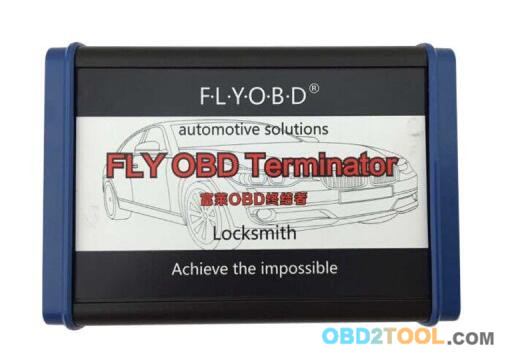
FLY OBD Terminator Full Version
3-2
Car diagnostic scanner FVDI2 ABRITES Commander& FLY OBD Terminator update information:
1.Add key maker for Audi A4/ A5/ Q5 5th generation immobilizer: can do all key lost, IC is NEC D70F3634;
2.Add key maker for Audi A6/ A7/ A8 and VW Touareg 5th generation immobilizer: can do all key lost, IC is NEC D70F3634;

FVDI2 For VAG do Audi A6L 2013 BCM2 All Key Lost

Here you can learn how to program Audi A6L 2013 all key lost by FVDI 2 Commander for VAG, it is quite easy to operate. This tutorial will save you much money if all key lost or get damaged.
You can read BCM2 P flash and D flash by Orange 5 or CG100 Programming Device , Read ELV flash by Orange5
Before do all key lost, the key has been prepared to dealer key and learned to car, but can not turn ignition ON or start engine.
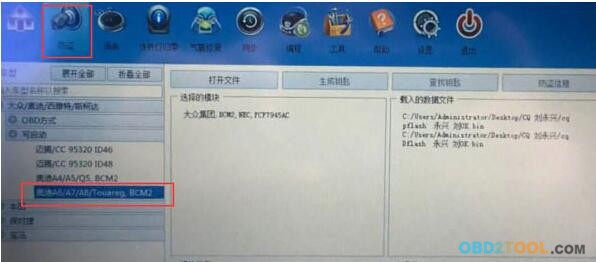
Run OBD Terminator software, select Immobilizer from main menu, then select VAG\KeyMaster\Audi A6 A7 A8, Touareg.
2-1
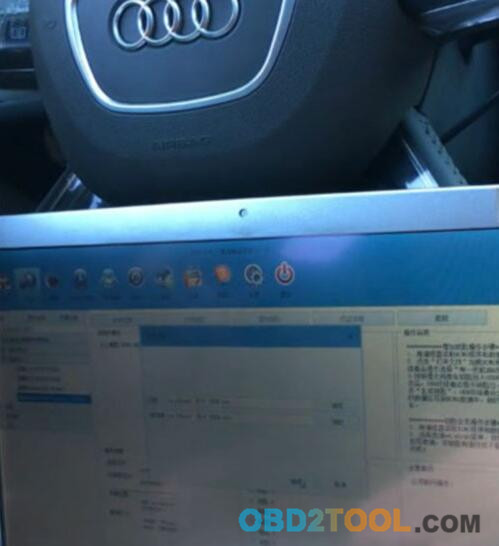
Then load BCM2 P flash and D flash(EEprom), wait for a while
2-2
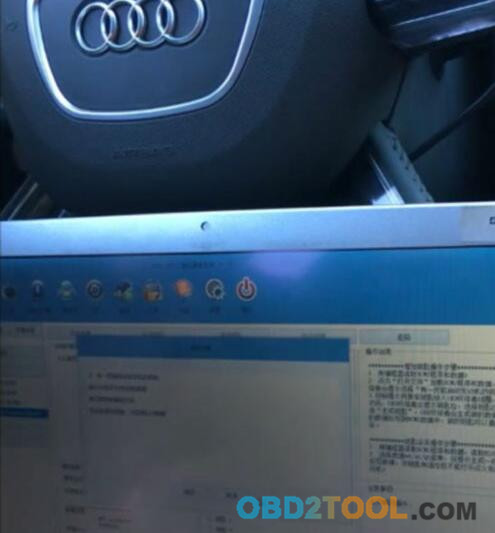
There will be 3 scenarios, you can select:
i have working key
I have ELV dump
I have decoded ISK file
If all key lost, you should choose option 2
2-3
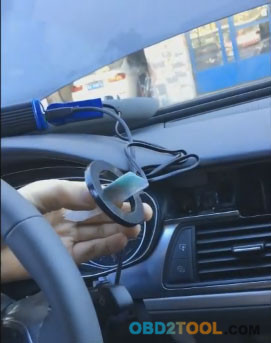
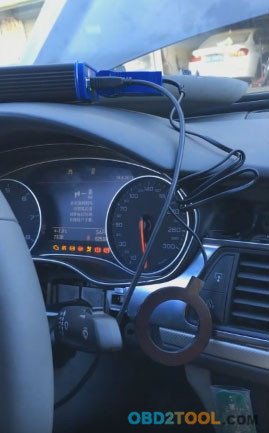
Next, put key into coil
2-4
After this, you may turn ignition ON with programmed key.
2-5
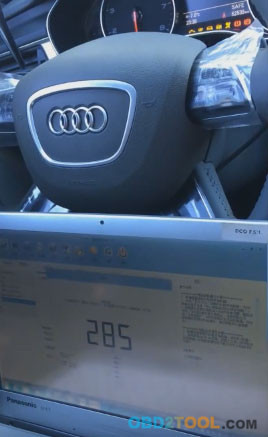
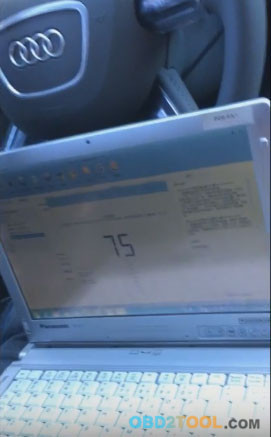
And begin log data at internal CANBUS.
FLY OBD Terminator Software has a 300 seconds countdown timer, waiting…
During log, you should keep ignition ON!
2-6
After 300 seconds logging, you should log extra data in 100 seconds.
During log extra data, you should turn ignition ON/OFF for several times.
2-7
After all data log finished, save the log data to a file
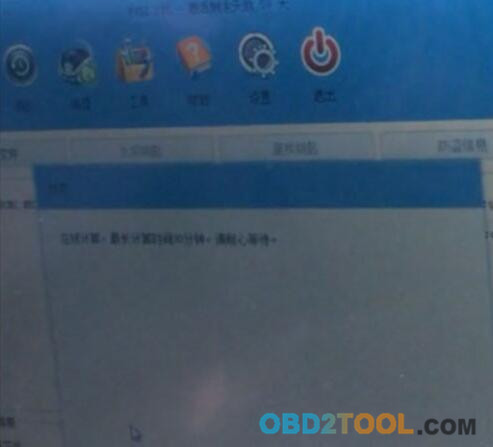
Begin decode log data by FLY server via internet
This step take up to 30 minutes(or less), please wait patiently
2-8
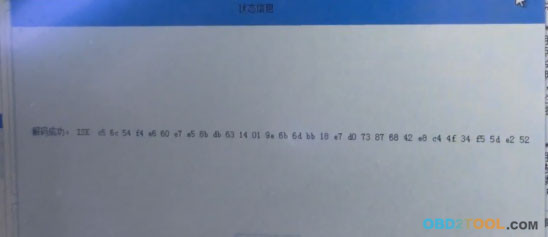
For this car, FLY OBD Terminator took 12 minutes to decode.
At last 32 bytes ISK decoded successfully.
2-9
Here you can save the isk data to a file too.
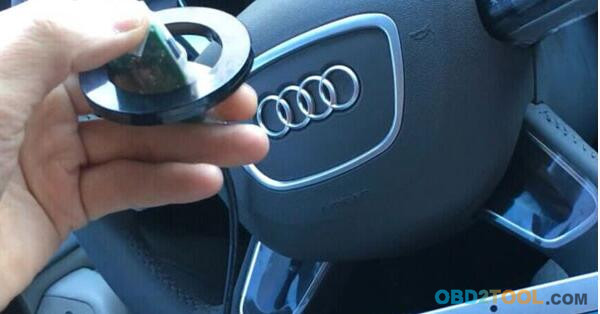
Next, put key into the coil again
2-10
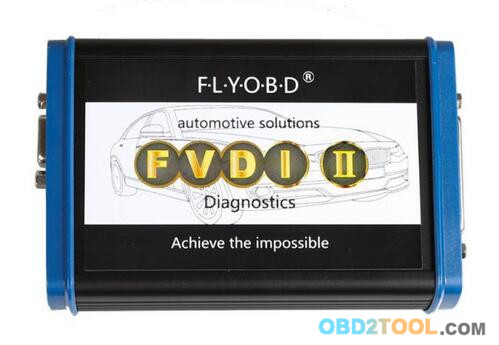
Fvdi2 is communicating…
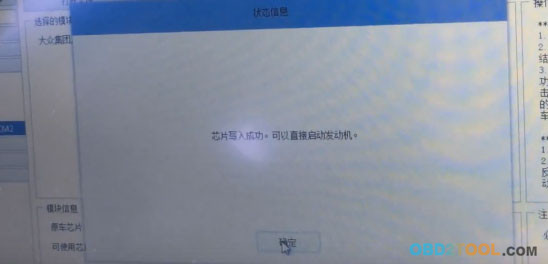
Done! A new key was programmed successfully by FVDI2 Commander for VAG from OBD2TOOL!
2-11
You can try to start engine with the programmed key directly.
2-12 2-13